For litigation lawyers, clerks and paralegals
Court books in minutes, not days.
Put your documents in a folder. Sudex turns them into a finished court book — cover, index, dividers and page numbers — with every index entry linked to its page. No retyping, no renumbering, no checking page by page.
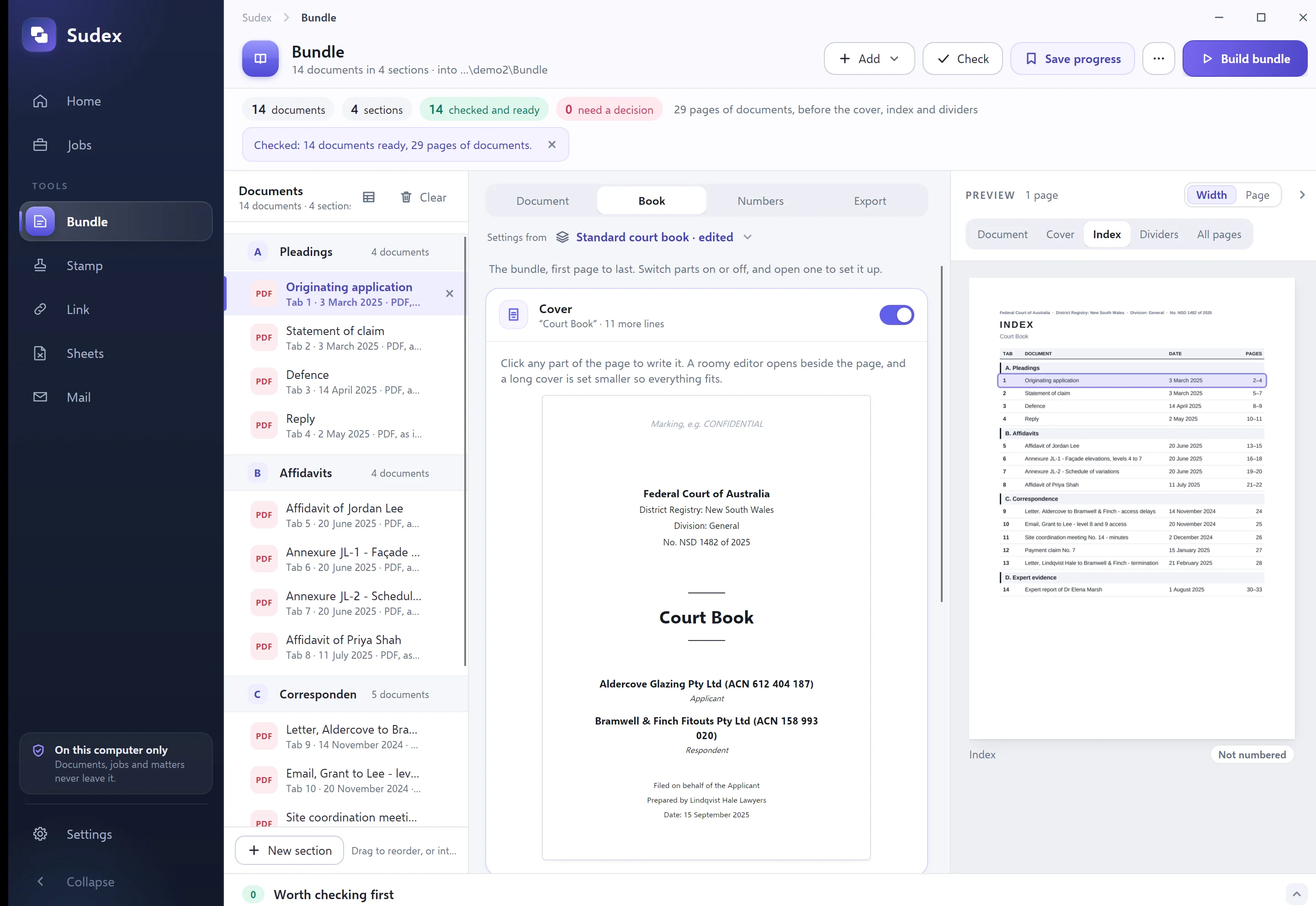
Why Sudex
The same court book, without the grind.
Putting a court book together by hand takes hours of careful, repetitive work — and one late document can undo it. Sudex does the repetitive part for you.
Doing it by hand
With Sudex
By hand: Save every Word document, email and spreadsheet as a PDF, one at a time.
With Sudex: Add the folder. Word, Excel, emails and pictures are turned into PDFs as the book is made.
By hand: Type the index up in Word, and fix it every time the order changes.
With Sudex: The index is written for you, with dates and page references, and linked to each document.
By hand: Make the cover and divider pages from last year’s template.
With Sudex: Type the court, parties and file number once. Cover and dividers are laid out for you.
By hand: Merge everything, then add page numbers in Acrobat.
With Sudex: Every page is numbered — CB 1, CB 2 and so on — clear of the text.
By hand: A late document arrives: renumber, re-index, re-check.
With Sudex: Drop it in, drag it into place and build again. Everything updates.
By hand: Click through the index to make sure each entry goes to the right page.
With Sudex: Sudex checks every page number and index link itself, and tells you it passed.
How it works
Three steps. No training needed.
- 1
Add your documents
Drag in a folder — each subfolder becomes a section. Or start from a list of documents you already have in Word or Excel.
- 2
Check the order and the cover
Drag documents into order and fill in the cover once. You can look at every page before anything is made.
- 3
Build it
Sudex makes the court book as one PDF, with an index, bookmarks and page numbers, then checks it. Your original files are never changed.
What you get
A court book you’d be proud to hand up.
Sudex made this one from fourteen documents in an invented matter, in under two seconds. Scroll through it.
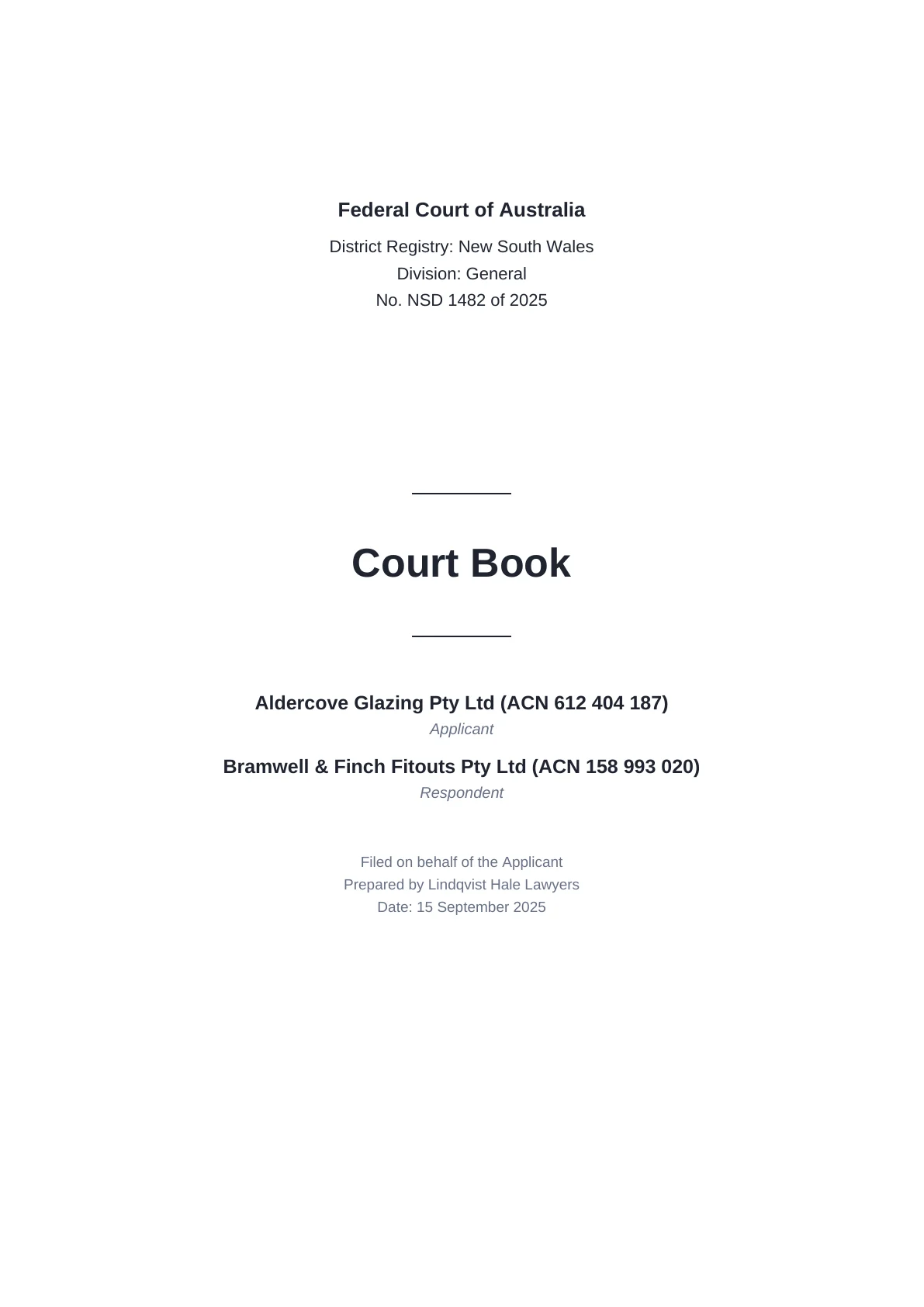
Cover
The court, the parties and the file number.
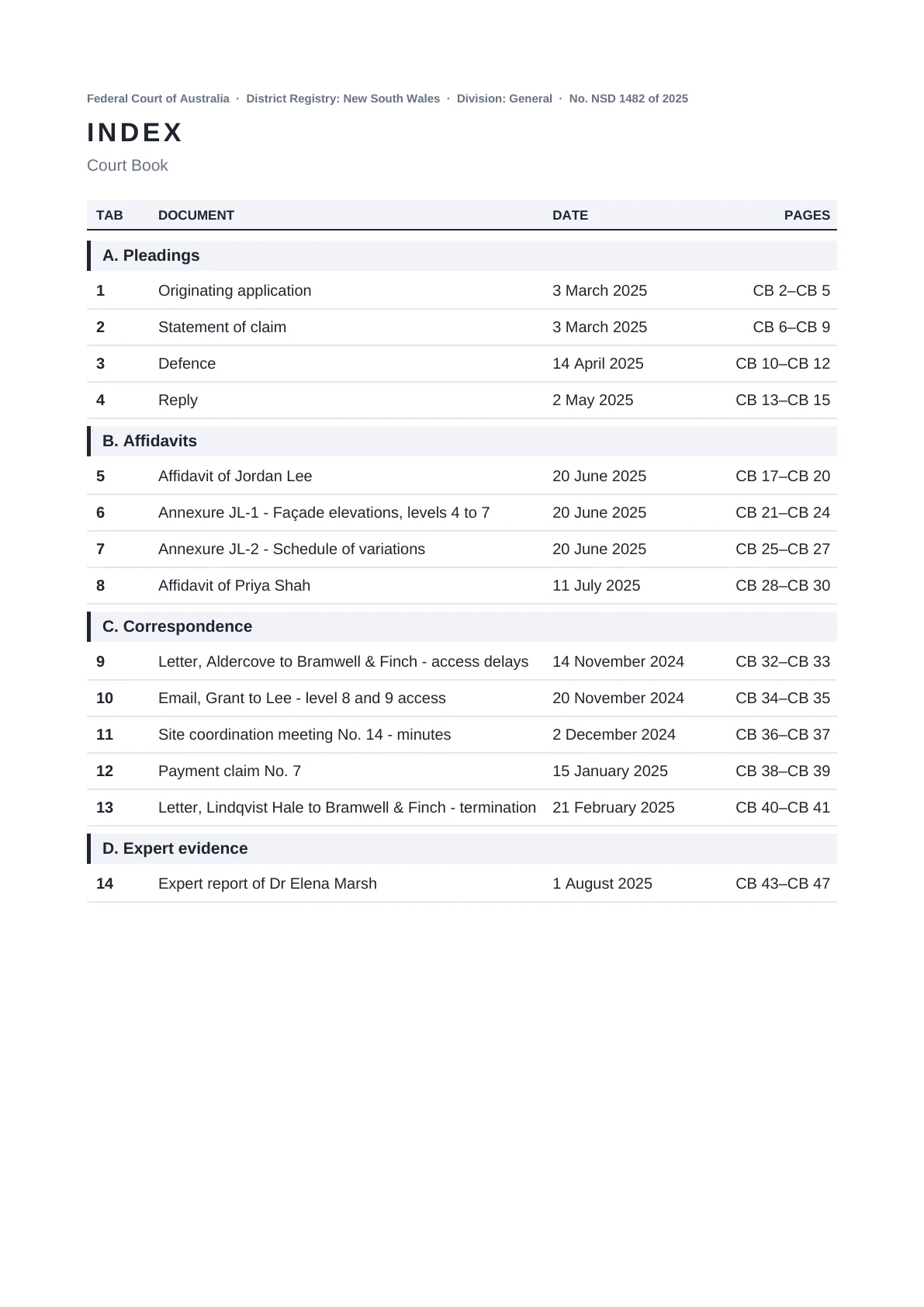
CB 2
The index. Click an entry and it opens that document.

CB 3
A divider for each section.
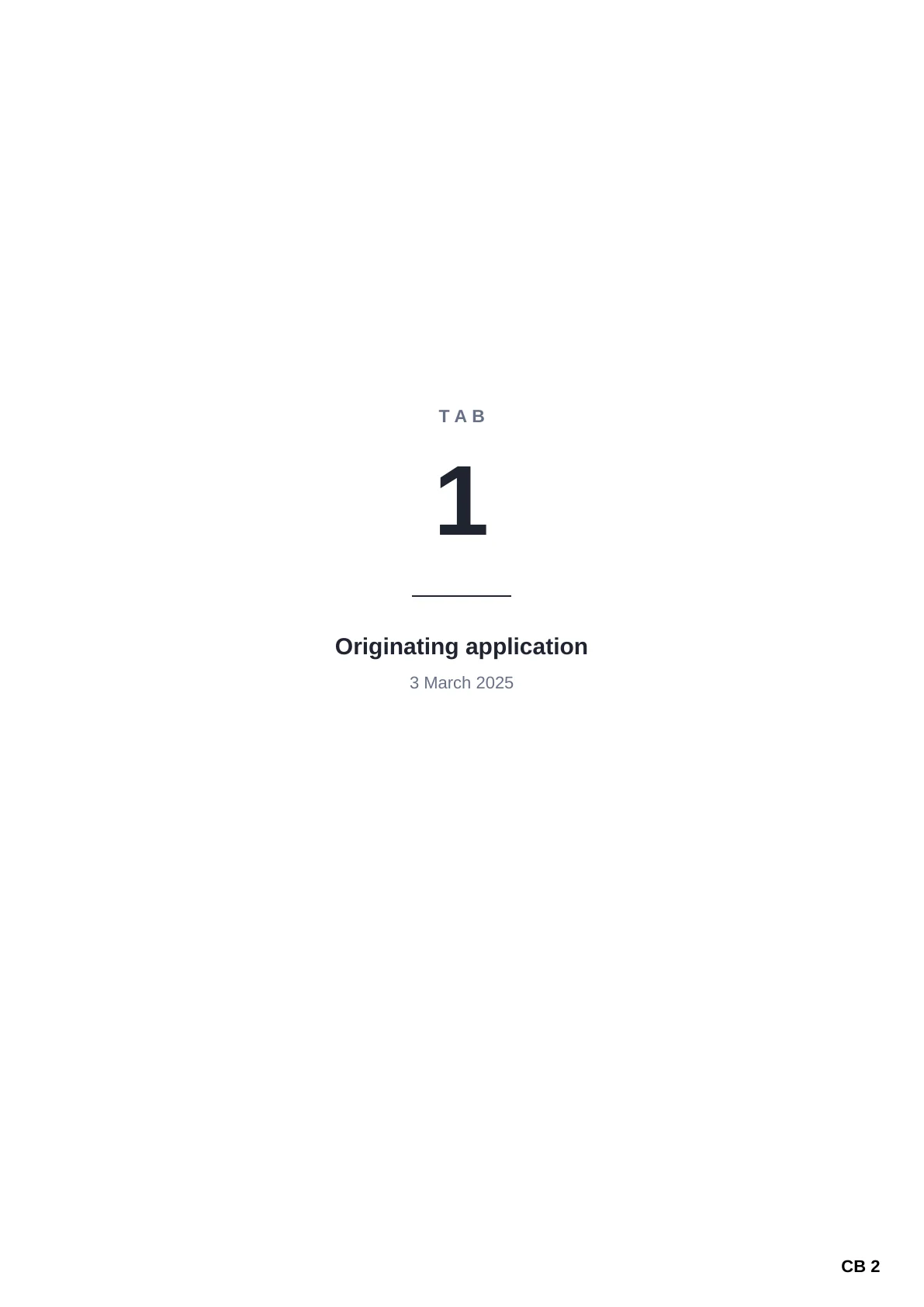
CB 4
And one for each tab, if you want them.
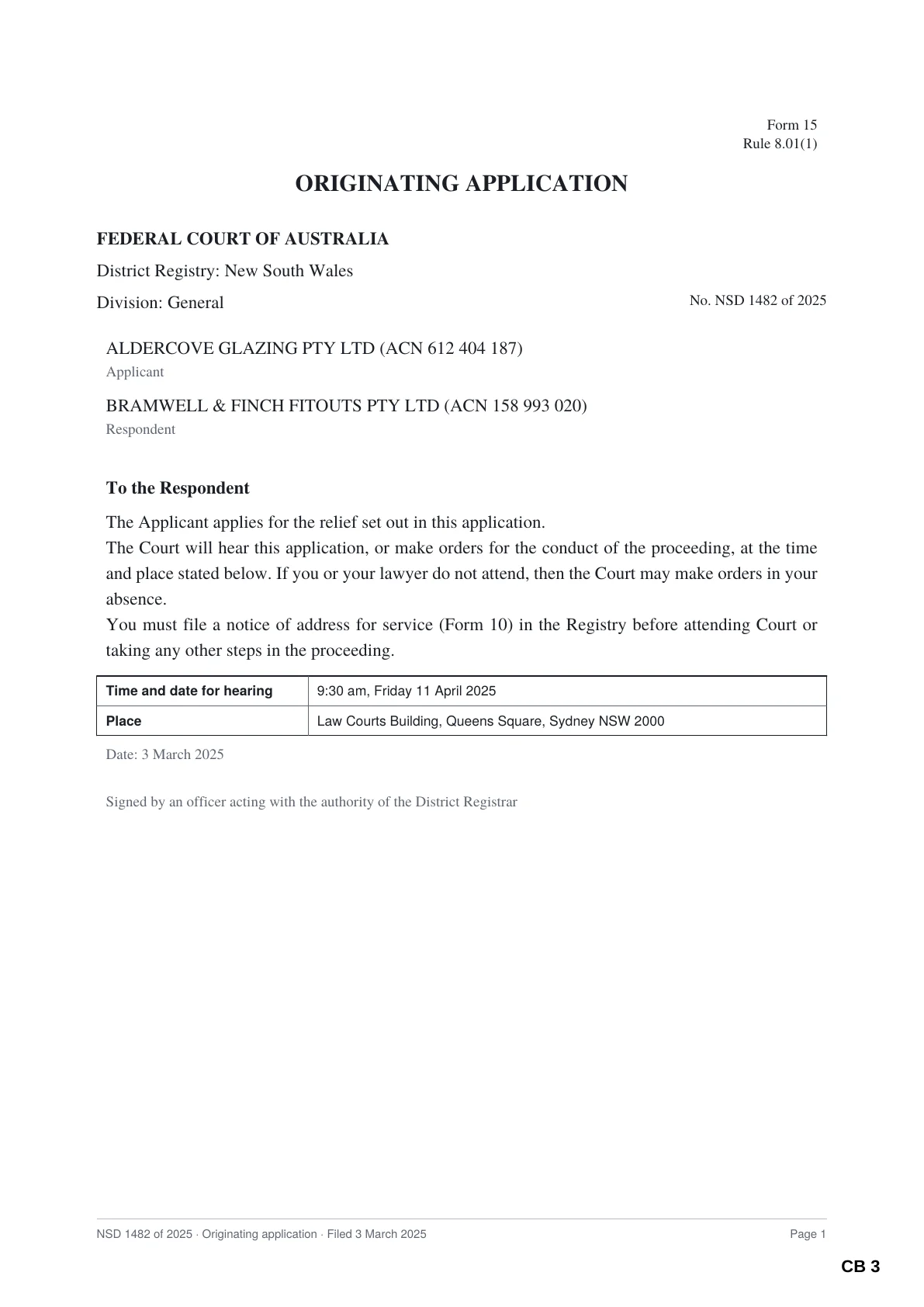
CB 5
Documents go in exactly as filed, numbered in the corner.
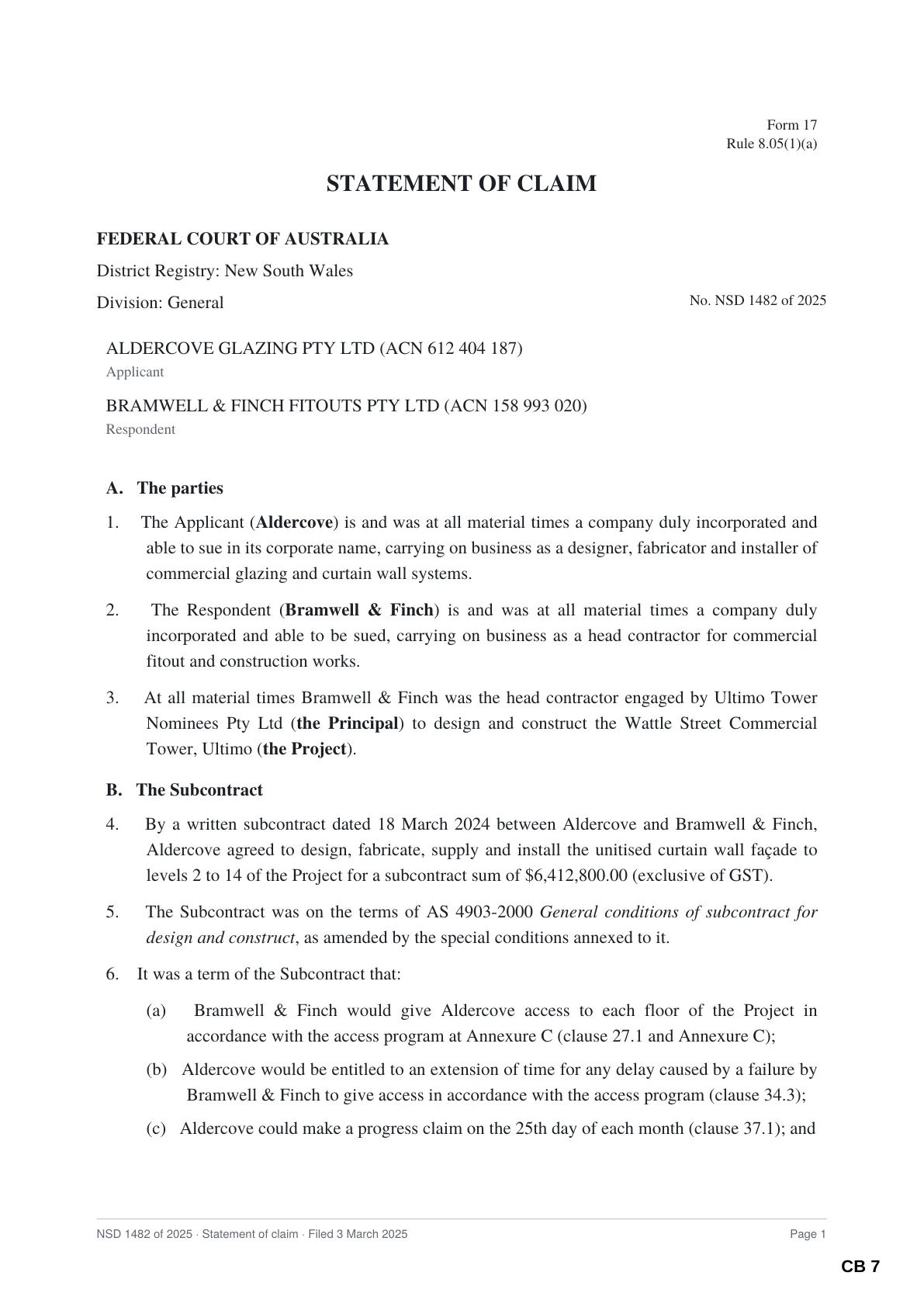
CB 9
Page numbers never sit on top of the text.
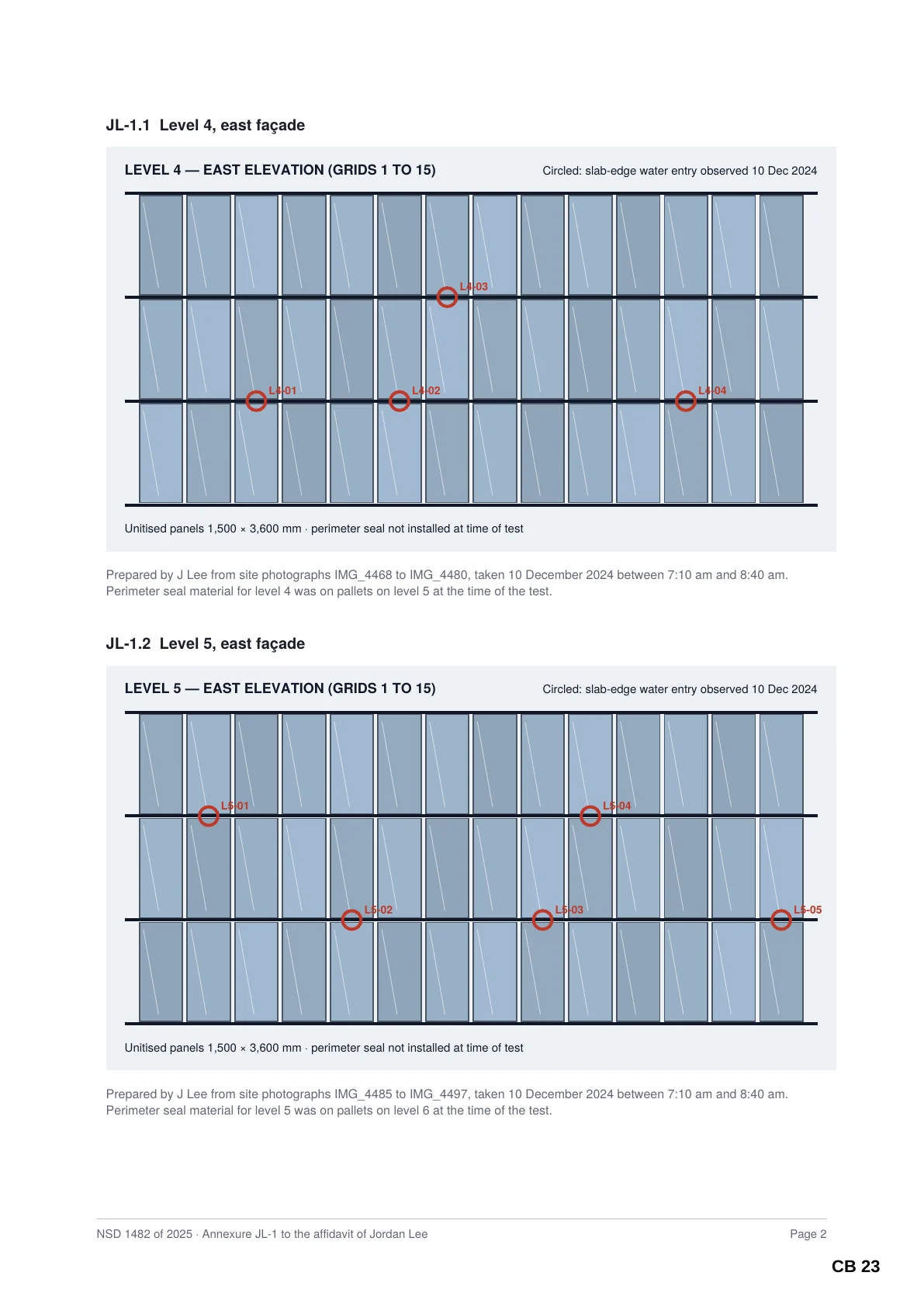
CB 23
Drawings and landscape pages keep their size and shape.
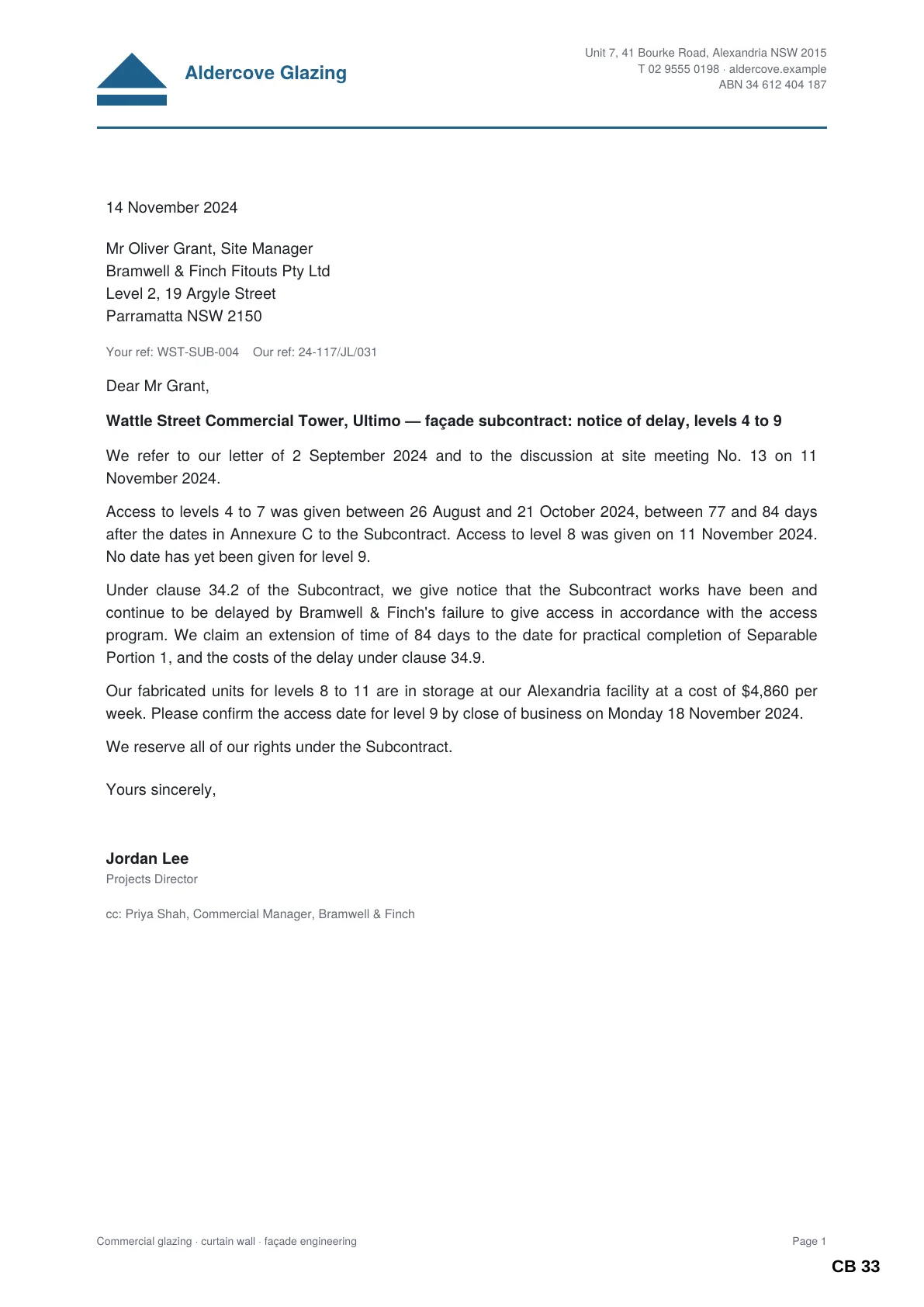
CB 33
Correspondence, in date order.
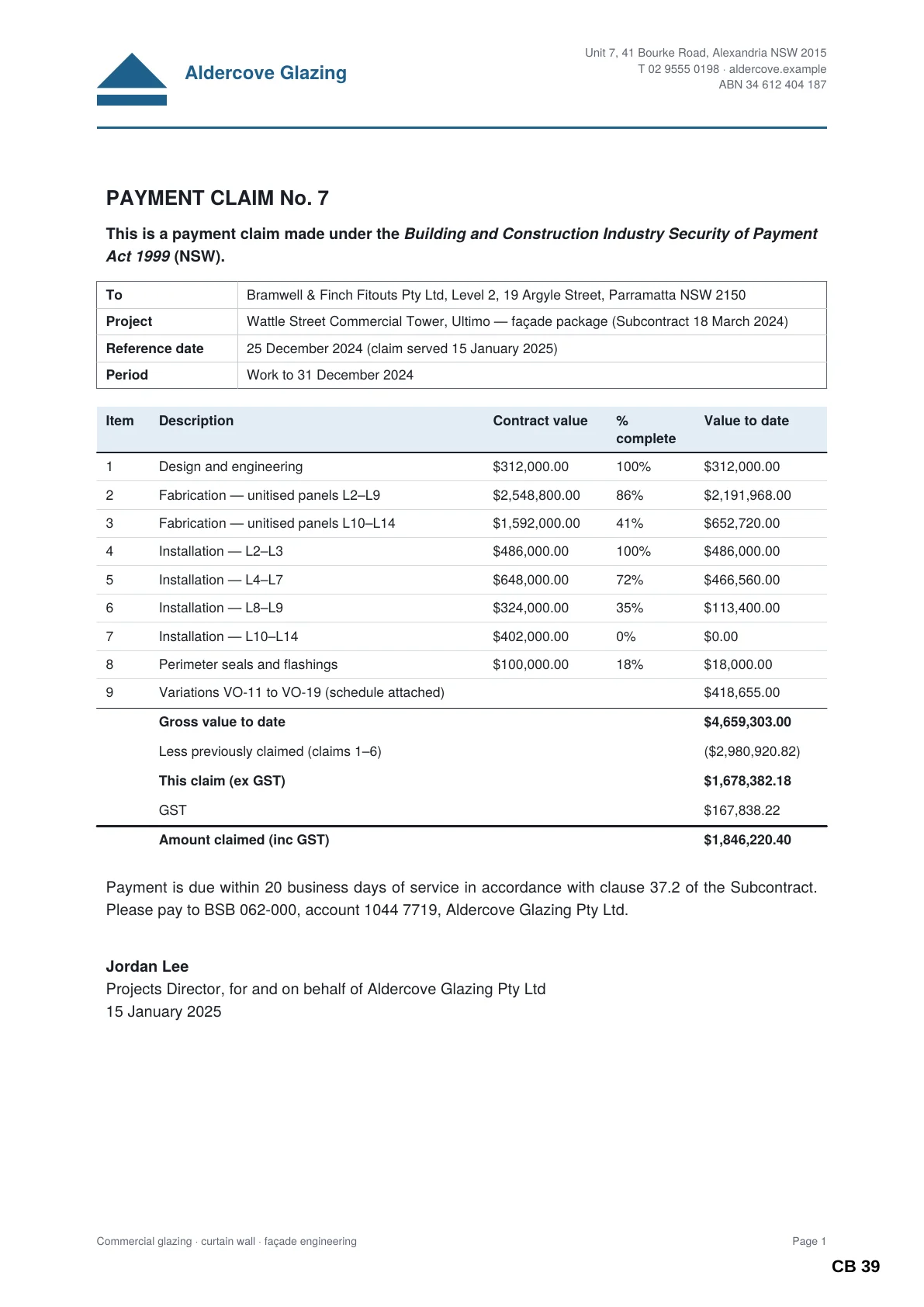
CB 39
Tables and schedules stay readable.
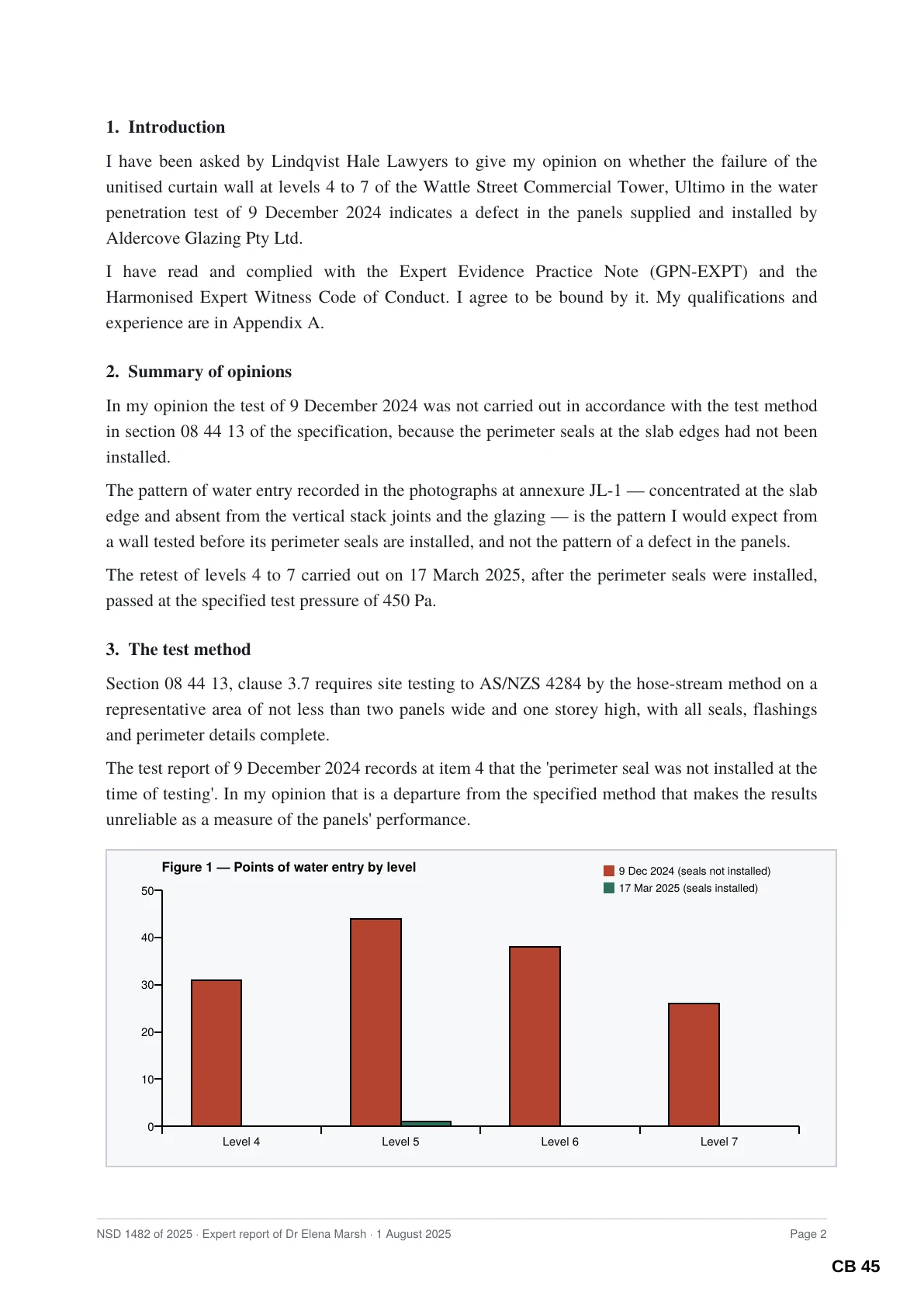
CB 45
Expert reports, charts and all.
Checked for you
Nothing missing. Nothing out of place.
When the book is made, Sudex opens it and checks it the way you would — except it checks every page, every time. If anything is wrong, it tells you in plain English.
Court book checked
Passed
- All 14 documents are in the book
- Your 14 original files are unchanged
- 49 pages, as expected
- Every page number is in place, clear of the text
- All 14 index entries open the right page
- All 20 bookmarks open the right page
Also in Sudex
Four smaller tools for the rest of the matter.
Separate from the court book, for the other documents you prepare along the way — briefs to counsel, discovery, email evidence and spreadsheets.
Link
Briefs counsel can click through.
Every document number in a brief or list of documents becomes a link that opens that document.
For briefs to counsel, chronologies and lists of documents.
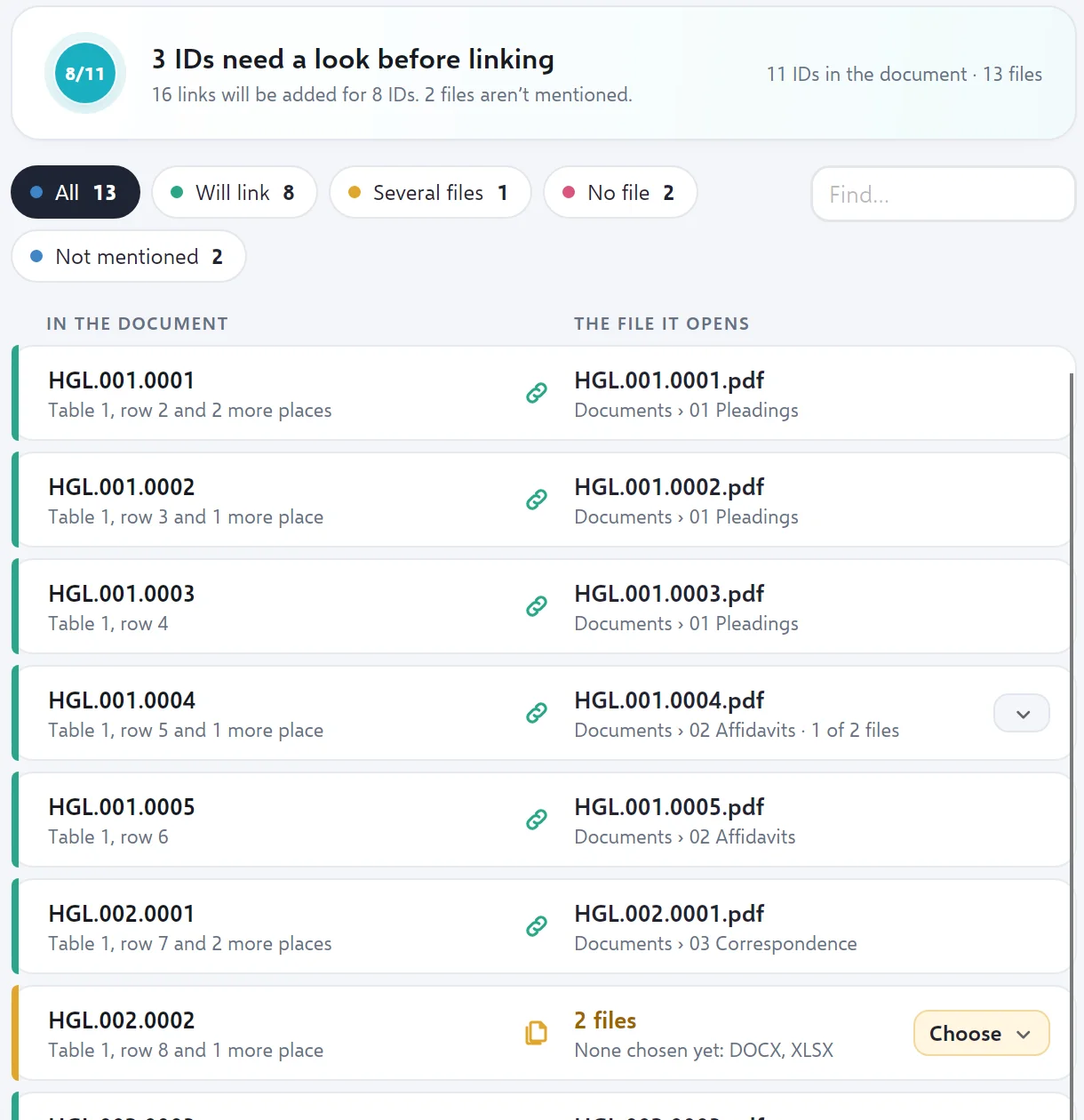
Stamp
Number every page for discovery.
Put document numbers, page numbers or CONFIDENTIAL on a set of PDFs, as new copies.
For discovery and production, subpoena returns and marking documents confidential.
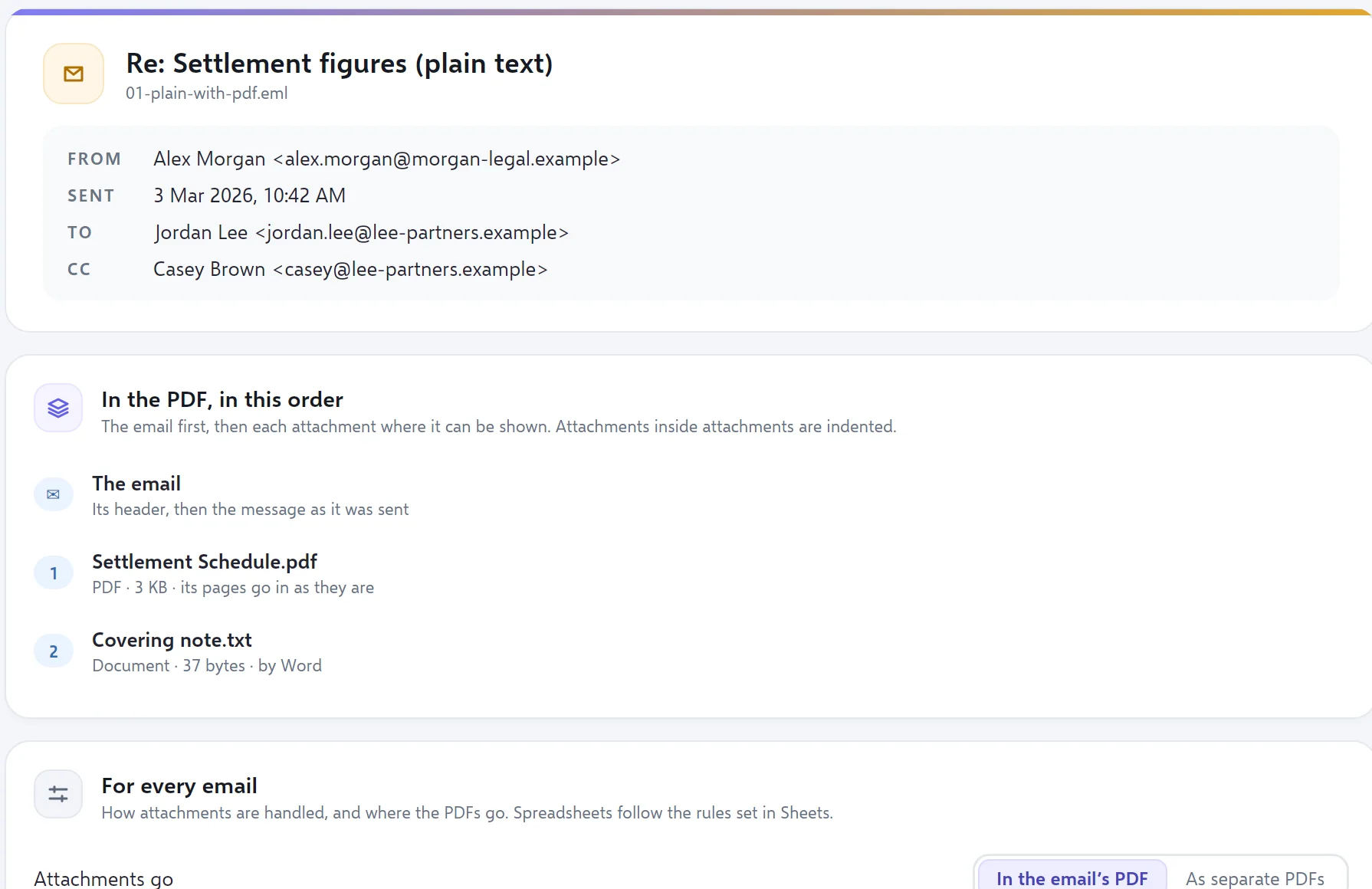
Emails as tidy PDFs, attachments included.
Turn Outlook emails into PDFs, each followed by its attachments, in order.
For email evidence, affidavit annexures and briefs to counsel.
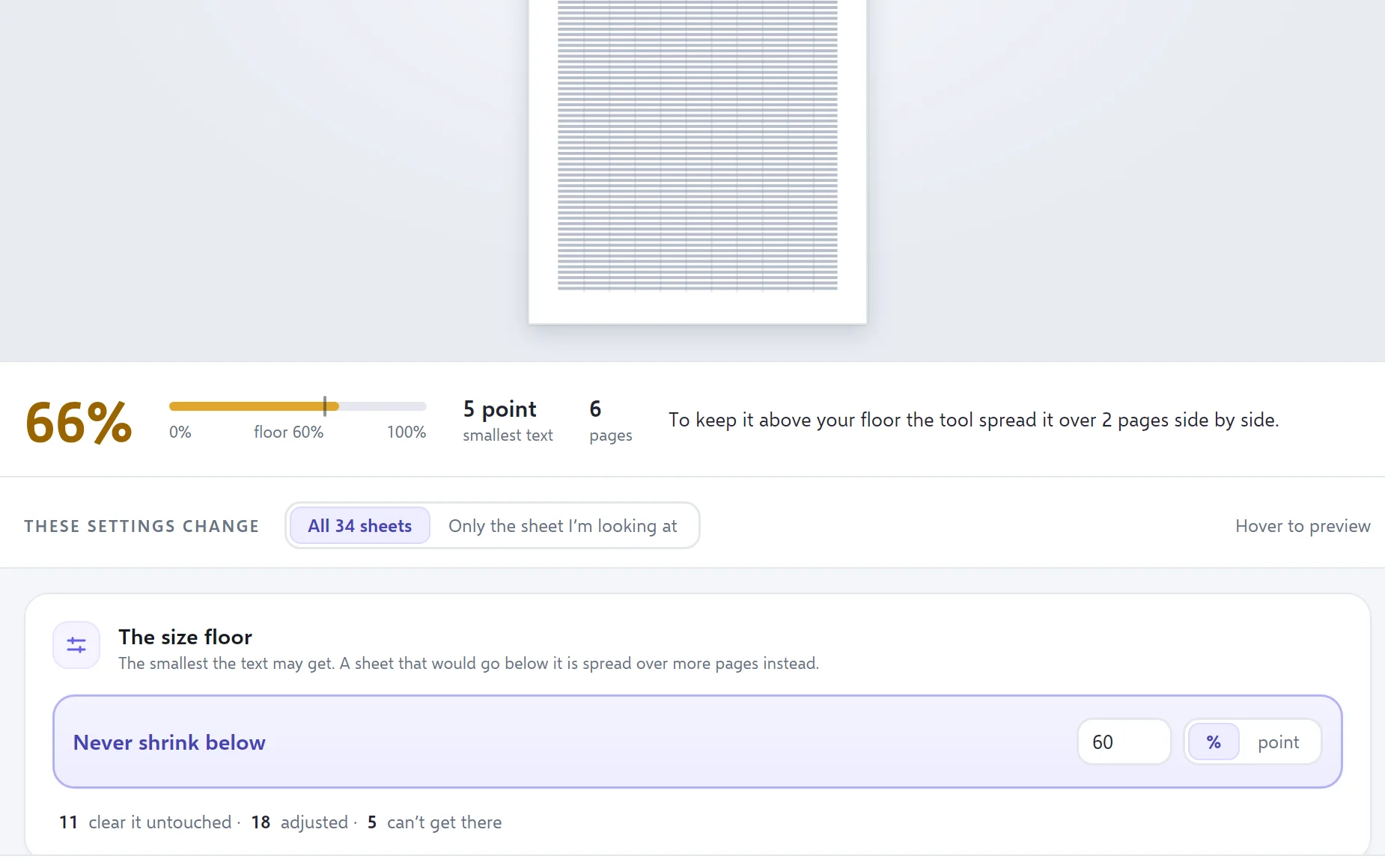
Sheets
Spreadsheets you can actually read on paper.
Excel to PDF without the tiny text: wide sheets spread over more pages instead.
For exhibits, financial records and schedules and tables.
Privacy
Your documents never leave your computer.
Sudex is a program you install, not a website you upload to. It works on the files in your own folders and your firm’s drives, and nothing about your matters is ever sent to us.
Do I need to be good with computers?
No. If you can put documents in a folder, you can make a court book. Sudex shows you every page before it makes anything, and explains any problem in plain English.
What if a document turns up at the last minute?
Add it, drag it into place and build again. The index, the page numbers and the links all update — there is nothing to renumber by hand.
Can it follow my court’s requirements?
You choose the cover wording, the index columns, the dividers and how pages are numbered, and save them as a template for next time. Sudex doesn’t assume any one court’s practice note, so set it up to match yours.
Does Sudex upload my documents?
No. Everything happens on your own computer. Your documents, their names and the matters they belong to are never sent anywhere.
Will it change my original files?
Never. Sudex only reads your files and makes new ones. When it has finished, it checks that your originals are exactly as they were.
What do I need to run it?
A Windows 11 computer. To turn Word documents and spreadsheets into PDFs, Sudex uses the Word and Excel you already have. PDFs, emails and pictures need nothing else.
Your next court book, done in minutes.
Sudex is opening to a small number of firms, chambers and legal teams first. Tell us how you prepare court books today.